GDSense: AI assistant inside the Godot editor
A downloadable tool for Windows, macOS, and Linux
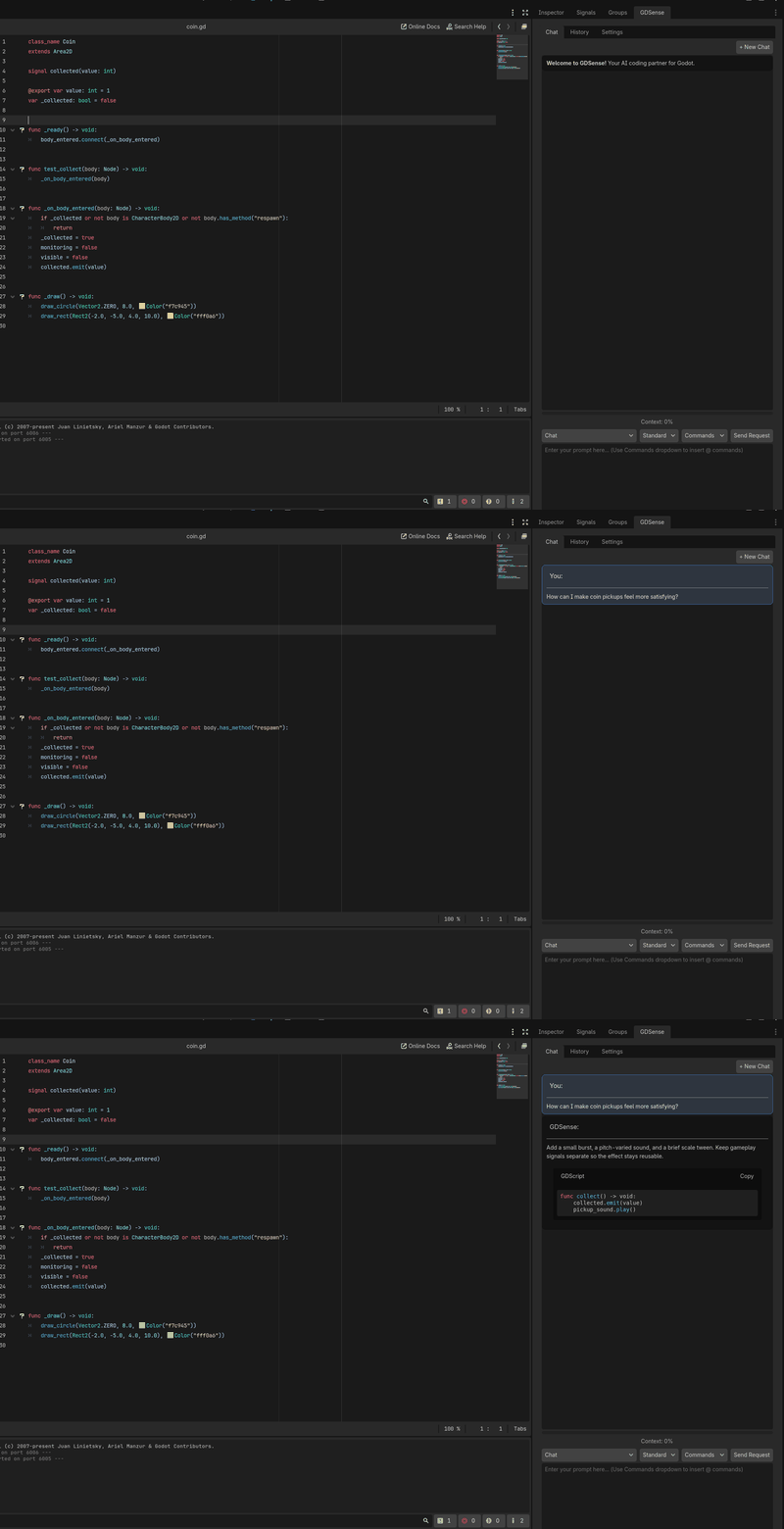
GDSense is an AI coding assistant that runs inside the Godot 4 editor as a plugin. It reads your scenes, nodes and scripts and answers with your code.
What it does
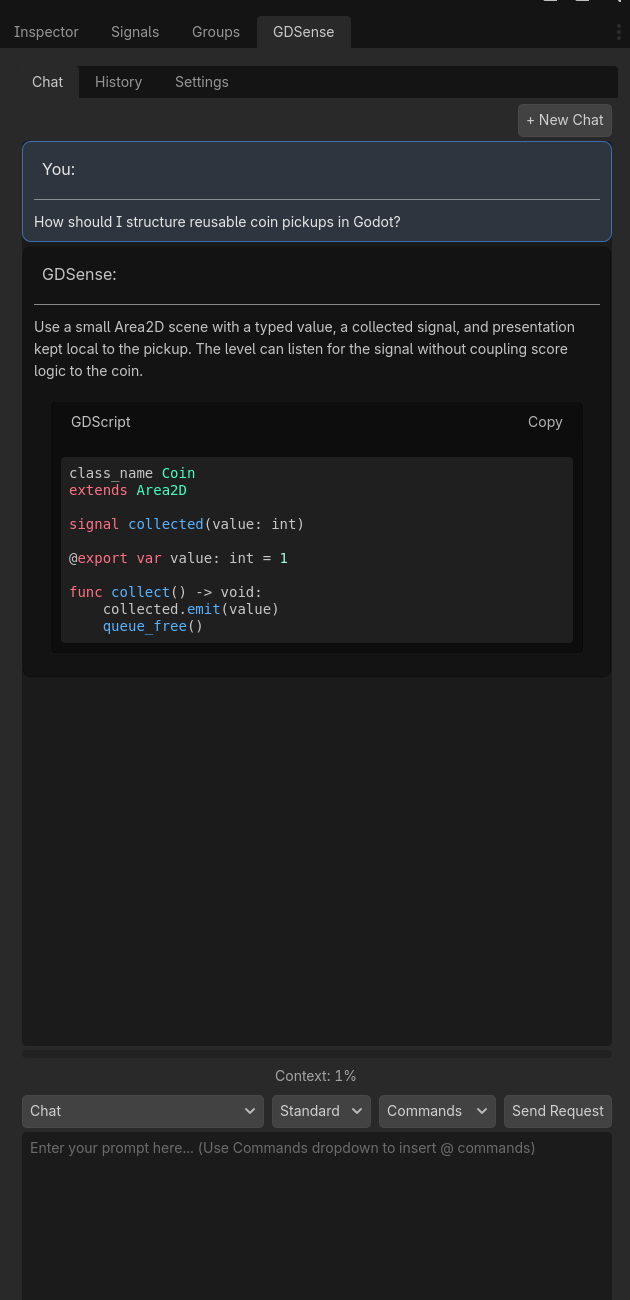
- Chat in the editor dock. Ask about GDScript, nodes, signals or your own scripts without leaving Godot. Standard, Thinking and Max modes give you a choice of how much reasoning a question gets.
- Agent mode. Describe a feature in plain English. GDSense plans it, reads the scripts involved, edits them and runs your project. Every change shows up as a diff you approve first.
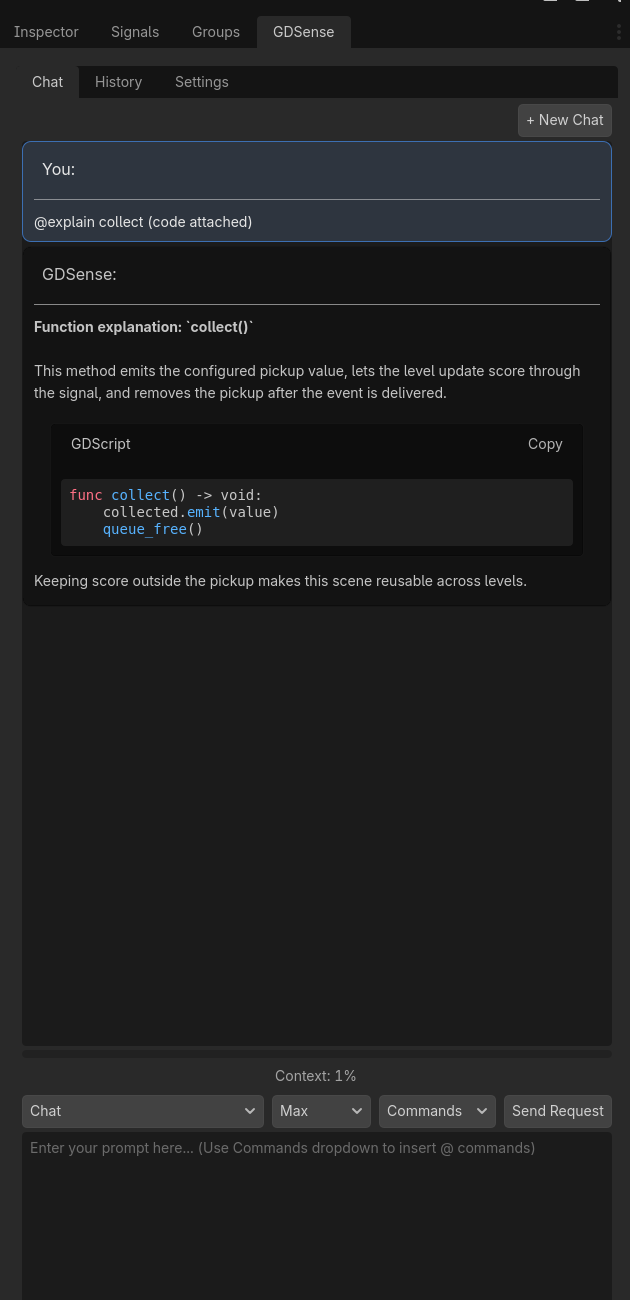
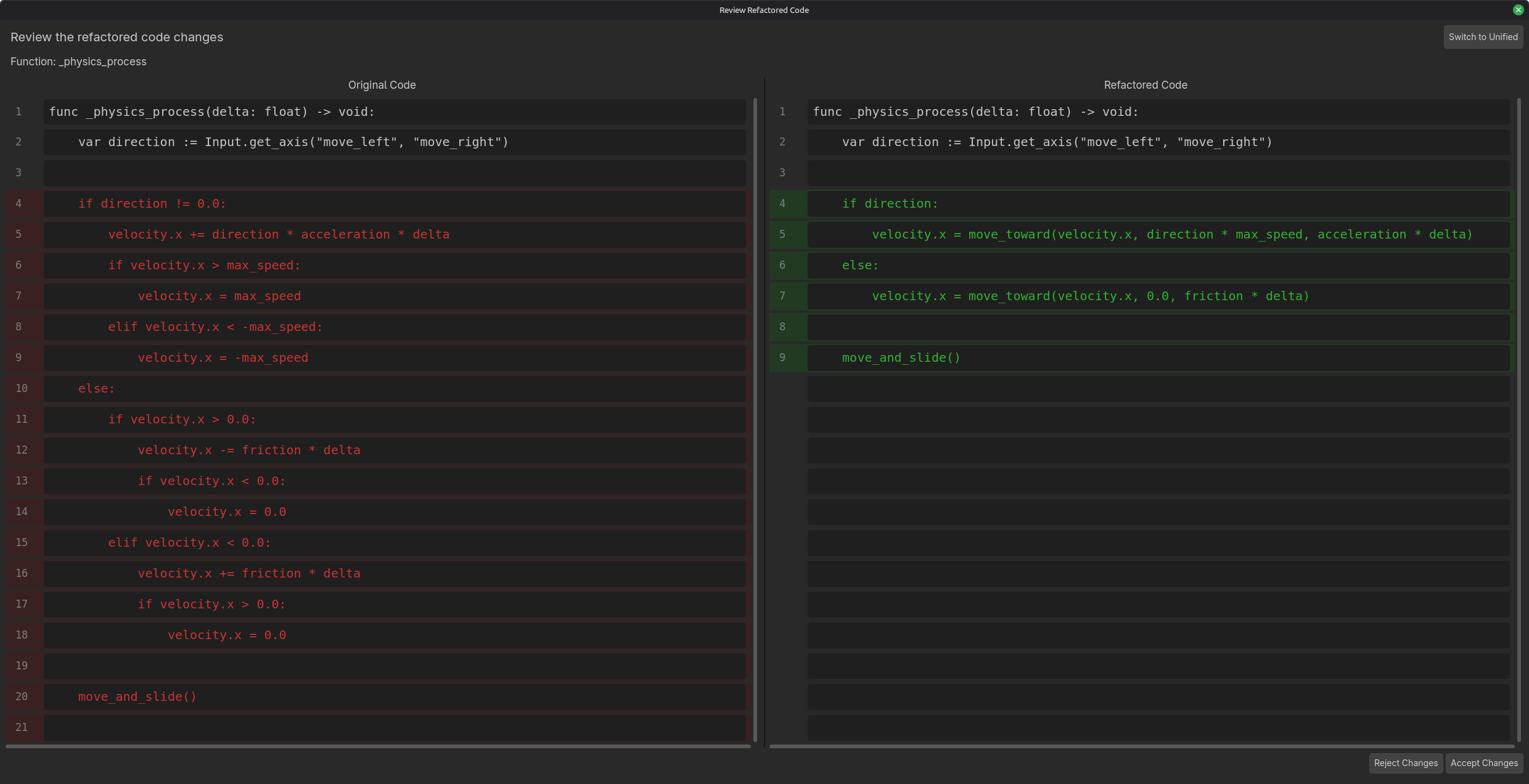
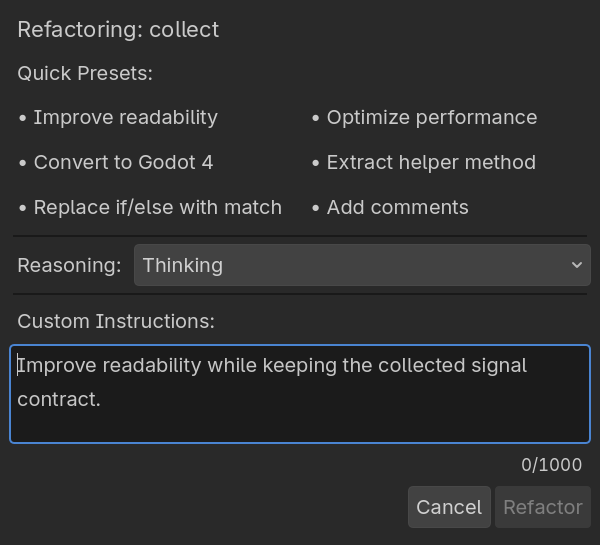
- Explain and refactor from the gutter. Select some code and click the button to get an explanation, or a refactor with the diff shown next to the original.
- Godot docs built in. Answers use the Godot 4 class reference, so node methods and signals are the real ones.
- @file context. Pin the scripts and scenes you want the answer to use.
How it works
The plugin is free to download here. Create a free account at gdsense.com, verify your email and paste your API key into the plugin settings. Free access starts right away with 50 credits a month in Standard mode. Starter adds Thinking mode, Pro adds Agent mode, Ultra adds Max mode, and each adds more credits. Plans and prices are at gdsense.com/pricing.
Install
- Download the ZIP below and unzip it into your project's
addons/folder (you should end up withaddons/gdsense/). - In Godot: Project → Project Settings → Plugins → enable GDSense.
- Open the GDSense dock and paste your API key from gdsense.com.
Requires Godot 4.x. Works on Windows, macOS and Linux.
Privacy
Only what you send leaves your machine: the prompt, pinned files and the scripts involved in a request, over HTTPS to gdsense.com. Your API key is stored in user://, outside the project folder. Details at gdsense.com/privacy-policy
Docs, guides, and support
- Documentation: gdsense.com/docs
- Guides: debugging GDScript errors, refactoring safely, giving the assistant project context
- Questions: the comments below, or Discord (link on gdsense.com)
Made by JuneauLabs. Developer tools for game makers.
Download
Install instructions
1. Download the ZIP below and unzip it into your project's addons/ folder (you should end up with addons/gdsense/).
2. In Godot: Project → Project Settings → Plugins → enable GDSense.
3. Open the GDSense dock and paste your API key from gdsense.com.
Requires Godot 4.x. Works on Windows, macOS and Linux.
Development log
- GDSense 1.1.0 is out5 days ago

Leave a comment
Log in with itch.io to leave a comment.